

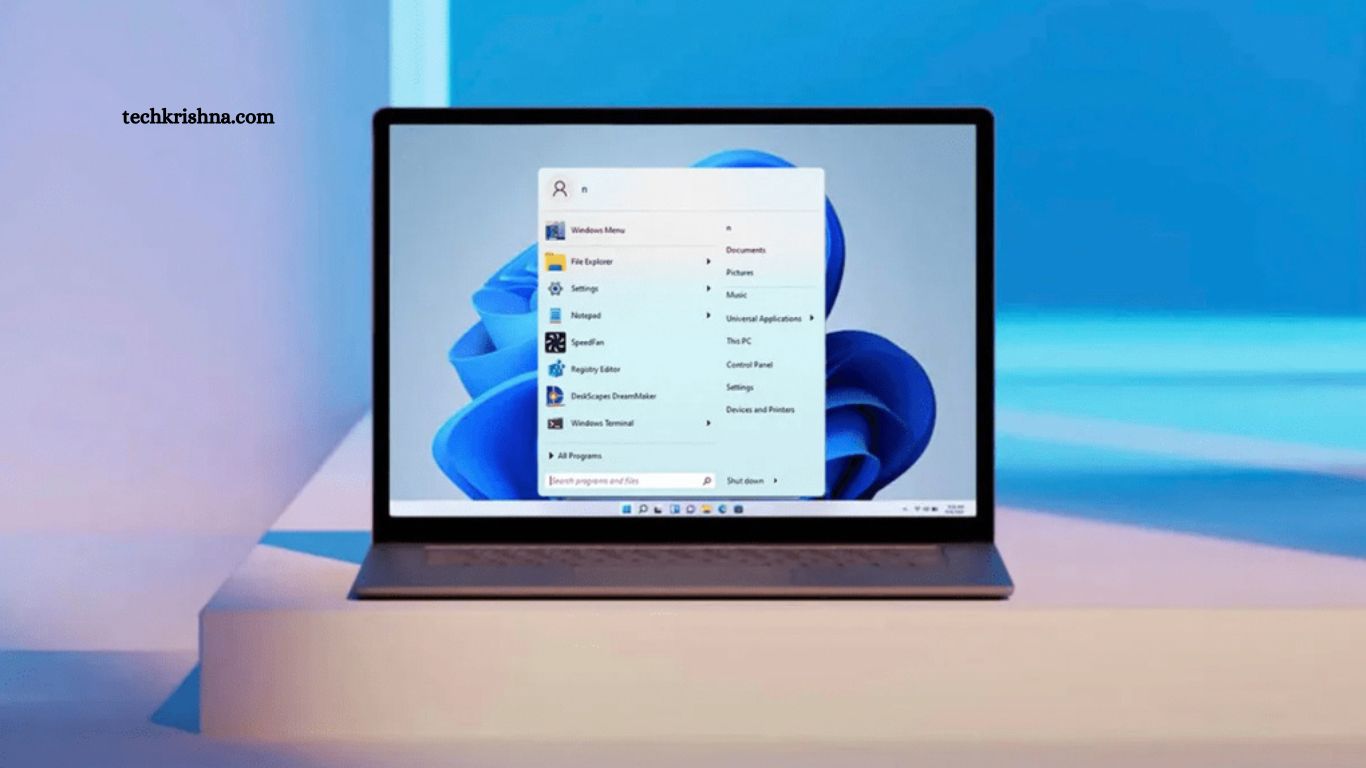
The digital landscape evolves rapidly. Latest apps & software updates deliver enhanced security, smarter features, and improved performance. Staying updated ensures better productivity, stronger privacy protection, smoother user experience across devices.
This comprehensive guide explores recent updates from major platforms, trending applications, operating systems, productivity tools, cybersecurity software, and mobile apps.
Read More: Useful Apps & Software Reviews
Why Latest Apps & Software Updates Matter
Regular updates provide more than visual changes. Developers release updates to:
- Patch security vulnerabilities
- Improve speed, stability
- Introduce advanced AI-powered features
- Fix bugs and compatibility issues
- Enhance user interface, usability
Ignoring updates may expose devices to malware, ransomware, and data breaches. Updated systems ensure optimized performance and extended device lifespan.
Mobile Operating System Updates
Android 15
The latest version introduces an enhanced privacy dashboard, satellite messaging support, and AI-based battery optimization. Improved background process control increases device efficiency. Enhanced app permission monitoring strengthens data protection.
Key highlights:
- Advanced anti-theft protection
- Smarter notification filtering
- Improved foldable device support
iOS 18
New update focuses on personalization, AI integration, and security. Lock screen customization expands. On-device AI processing enhances Siri intelligence while protecting privacy.
Major improvements include:
- Rich Communication Services (RCS) support
- Smart photo organization
- Enhanced Face ID security layers
Desktop Operating System Updates
Windows 11 Latest Build
Recent updates introduce AI-powered Copilot enhancements, performance optimization for gaming, and stronger endpoint security features. File Explorer improvements streamline navigation.
Notable upgrades:
- Improved energy efficiency
- Advanced phishing protection
- Faster system boot time
macOS Sonoma
Latest patches refine widget interactivity, video conferencing enhancements, and Safari performance boost. Security response updates deploy faster without a full system restart.
Productivity Software Updates
Microsoft 365
New AI Copilot features transform document drafting, data analysis, and presentation creation. Excel automation tools reduce manual workload. Outlook spam filtering improves email security.
Adobe PhotoshThe recent
Recent update introduces generative AI tools, a faster rendering engine, and non-destructive editing improvements. Content-aware tools deliver higher precision.
Zoom
AI meeting summaries, noise suppression improvements, and enhanced encryption standards strengthen virtual collaboration.
Cybersecurity Software Enhancements
Security updates remain critical amid rising cyber threats.
Norton 360
The latest version adds real-time dark web monitoring, AI threat detection, and VPN stability upgrades.
Bitdefender
Advanced ransomware remediation, multi-layer endpoint detection, and minimal system resource usage.
Popular App Updates
High-resolution photo sharing, chat lock enhancements, and multi-device synchronization improvements.
AI-powered content recommendations, advanced creator analytics, and improved Reels editing tools.
Spotify
Smarter playlist curation, AI DJ improvements, enhanced offline listening performance.
Emerging Trends in Apps & Software Updates
AI Integration
Artificial Intelligence drives automation, personalization, and predictive analytics. AI assistants embedded across productivity apps increase efficiency.
Cloud Optimization
Cloud-native architecture improves scalability, remote accessibility, and collaborative workflow.
Zero-Trust Security Model
Modern updates incorporate multi-factor authentication, biometric verification, and encryption upgrades.
Performance Optimization
Developers prioritize lightweight frameworks, background activity reduction, and energy efficiency.
Best Practices Before Installing Updates
- Backup critical data
- Ensure sufficient storage space
- Connect secure Wi-Fi network
- Review update changelog
- Schedule updates during low-usage hours
Proactive update management prevents disruption, data loss, and compatibility conflicts.
Frequently Asked Questions
Why are the latest apps & software updates important?
Latest apps & software updates improve security, fix bugs, enhance performance, and introduce new features. Regular updates reduce cyber risk, improve stability, and optimize device efficiency.
How often should apps receive updates?
Most major platforms, such as Android 15, iOS 18,and Windows 11, release security patches monthly. Feature updates typically arrive annually or quarterl,y depending othe n developer roadmap.
Do software updates improve device speed?
Yes. Performance optimization remains the key focus. Updates reduce background resource usage, enhance memory management, improve battery efficiency, and refine system responsiveness.
Are automatic updates safe?
Automatic updates from trusted sources such as Apple Inc., Microsoft, and Google provide verified security patches. Enabling automatic updates ensures immediate vulnerability protection.
Can updates cause compatibility issues?
Occasionally. Older devices may experience performance slowdowns after major updates. Reviewing system requirements before installation prevents compatibility conflicts.
What happens if software updates are ignored?
Unpatched vulnerabilities increase the risk of malware attacks, ransomware threats, and data breaches. Outdated apps may lose compatibility with newer services.
Conclusion
Latest apps & software updates deliver innovation, security reinforcement, and performance optimization. Regular installation ensures digital safety, productivity growth, and seamless user experience across devices. Technology advances continuously. Smart users prioritize updates, leverage new features,ure and protect sensitive information.
